
Auracast hearing aids
Connect directly to the Auracast broadcast.
Direct Auracast



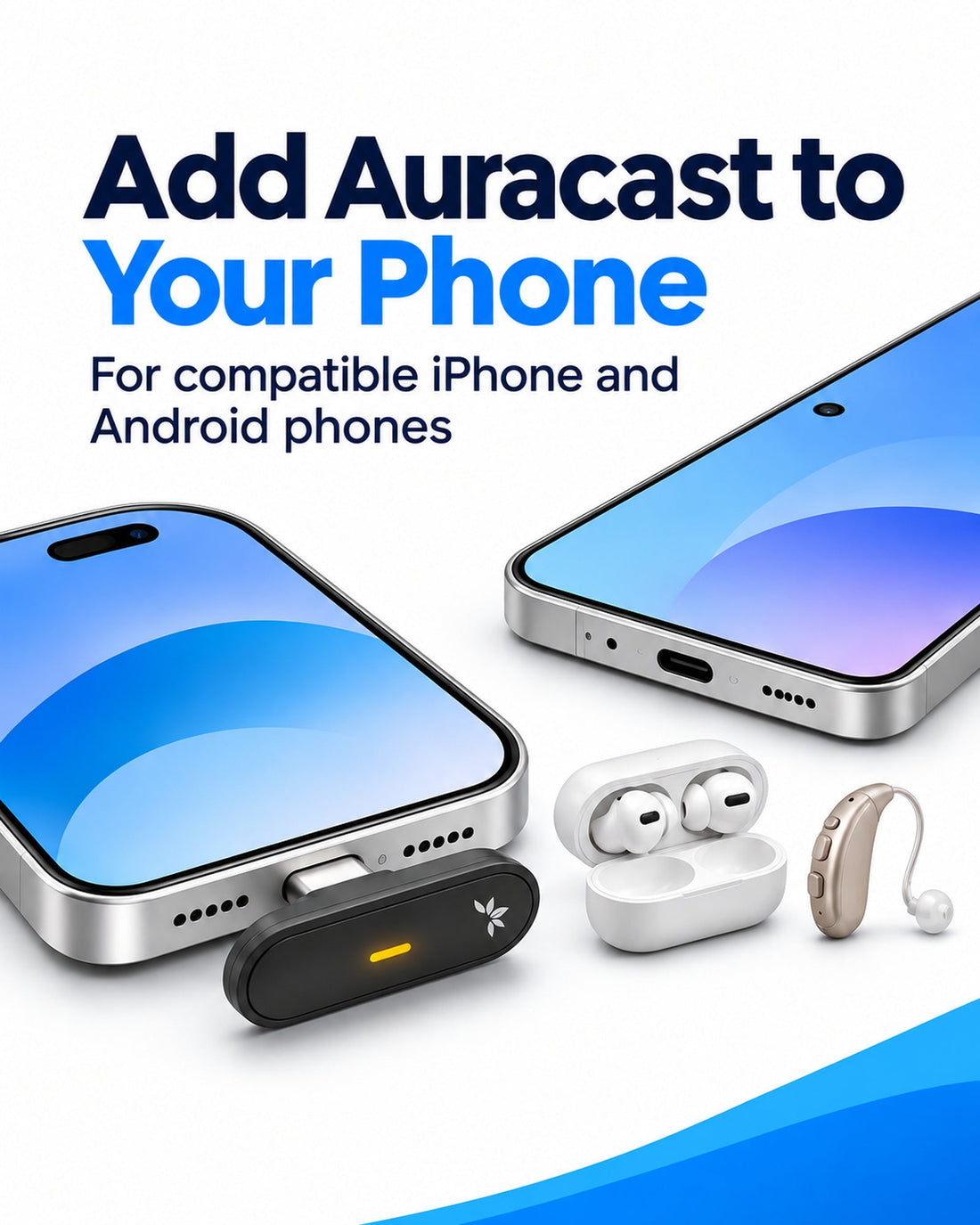
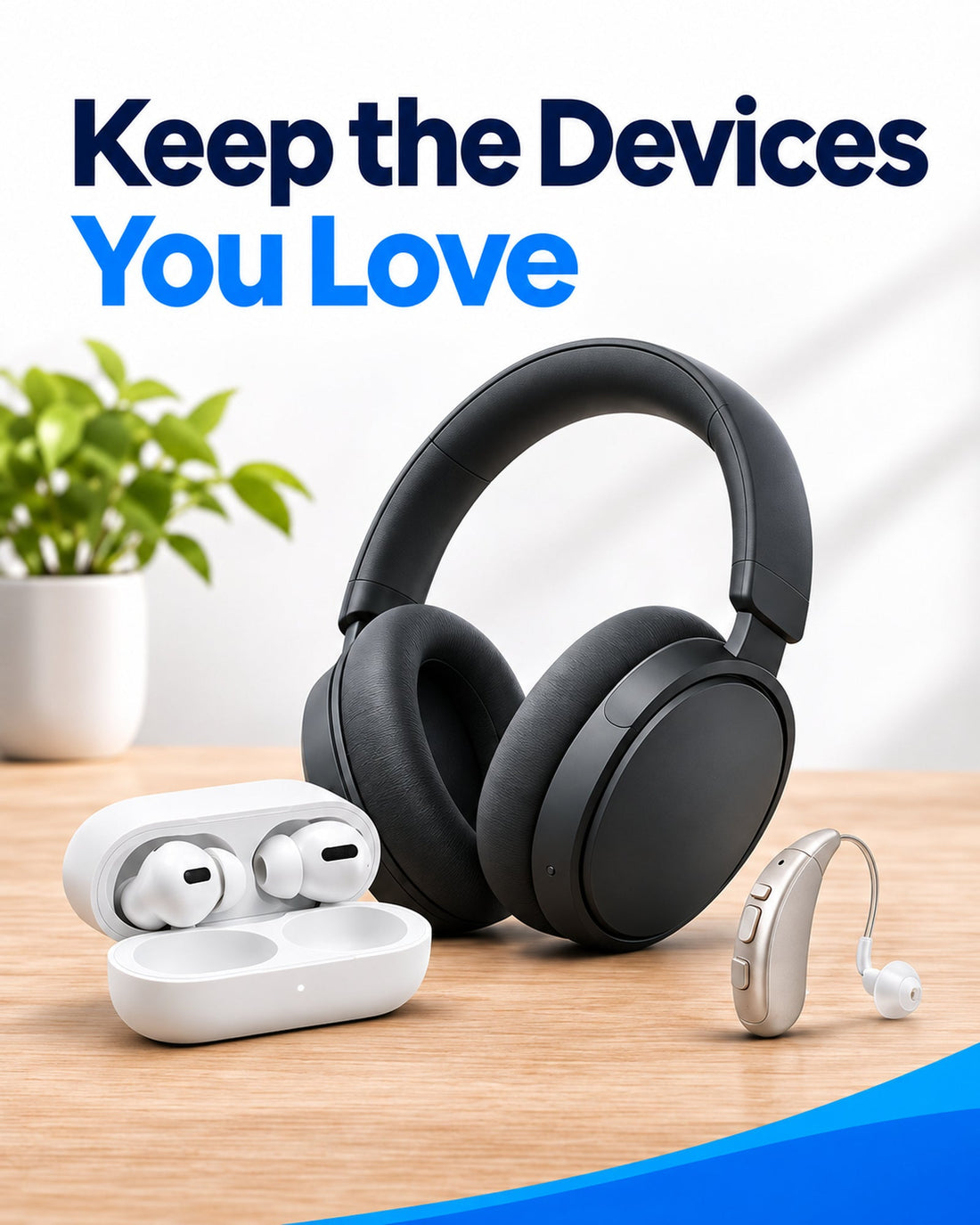
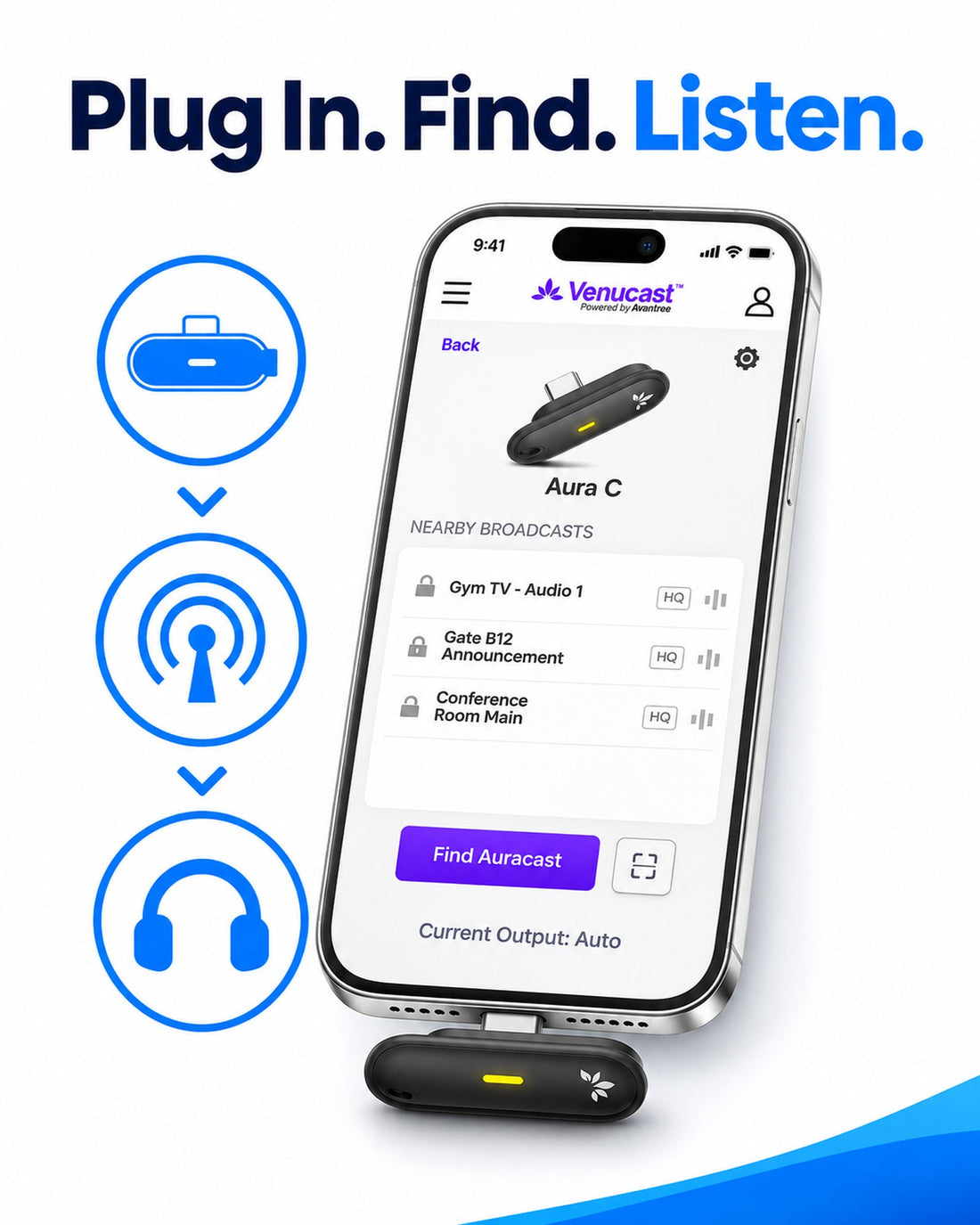


Equip five guests to join your venue’s compatible Auracast broadcast. Each guest uses one Aura C with a supported iPhone or Android phone, including compatible Google Pixel models, and their existing Bluetooth headphones, earbuds or compatible hearing aids. Select the broadcast in Venucast Connect. VENUECAST CONNECT APP REQUIRED. Bluetooth listening can add noticeable delay. Best where precise audio timing is flexible.
Checking the fastest delivery option…
Connect directly to the Auracast broadcast.
Direct Auracast

Use AuraCoil to hear through the hearing aid’s T-Coil.


Use Aura C as a bridge for compatible Bluetooth hearing aids.


Use a receiver with headphones or earbuds.
Receiver + Headphones
01 · Build your system
Works with Aura C 5-Pack
Aura CLet Guests Listen with Their Own Phones and Headphones
 Works with Aura C 5-Pack
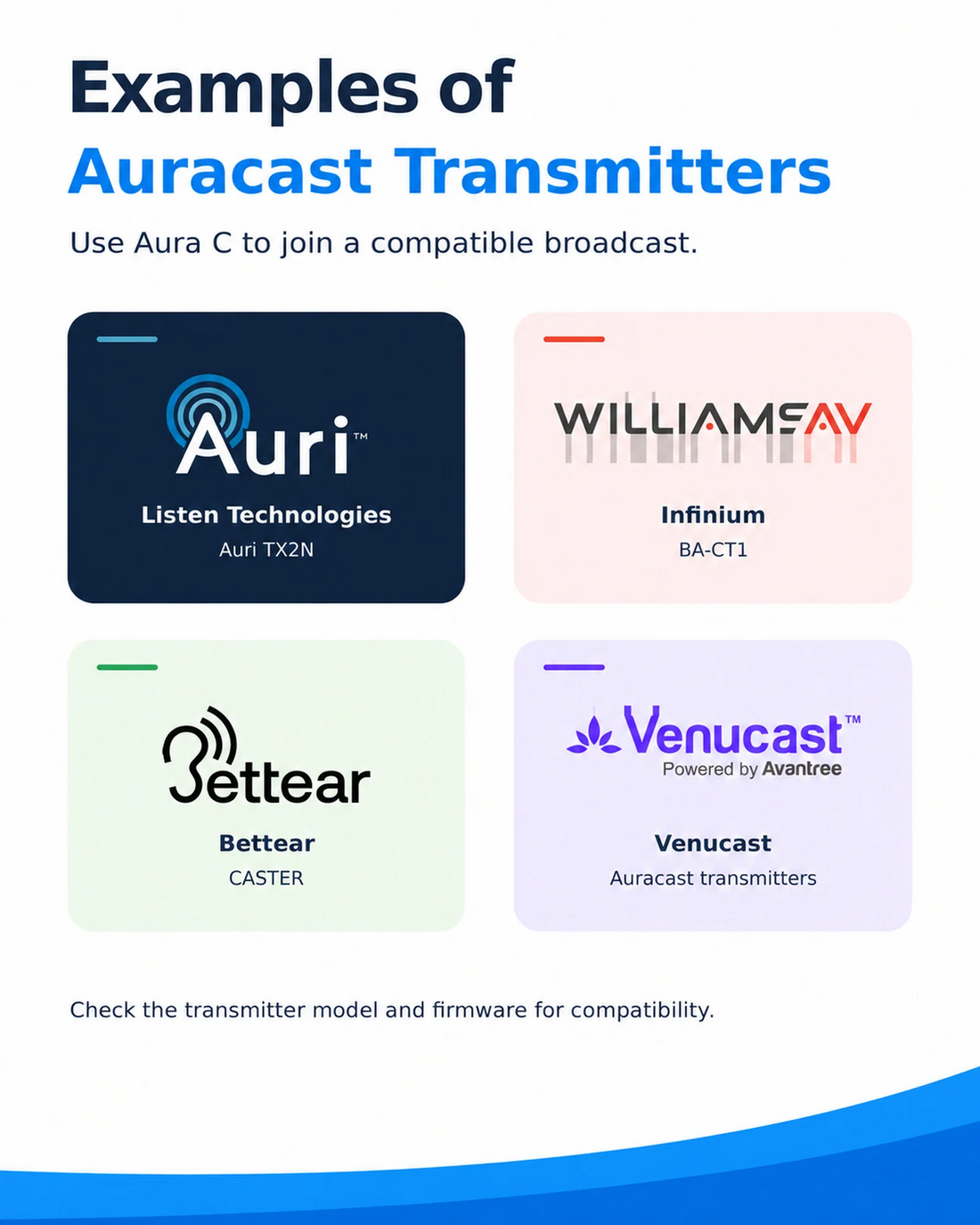
Oasis AuraAuracast Assistive Listening Transmitter for Churches & Venues
 Works with Aura C 5-Pack
AirCastLong-range Professional Auracast Transmitter for Hearing Aids
 Works with Aura C 5-Pack
NetCastBroadcast up to four independent mono programs—or two stereo programs—from one transmitter. Give listeners
02 · How it works
Audio sources
Product

Listener pathways
03 · Where it fits
Consider Aura C when some delay is acceptable and you do not hear the same live sound directly.
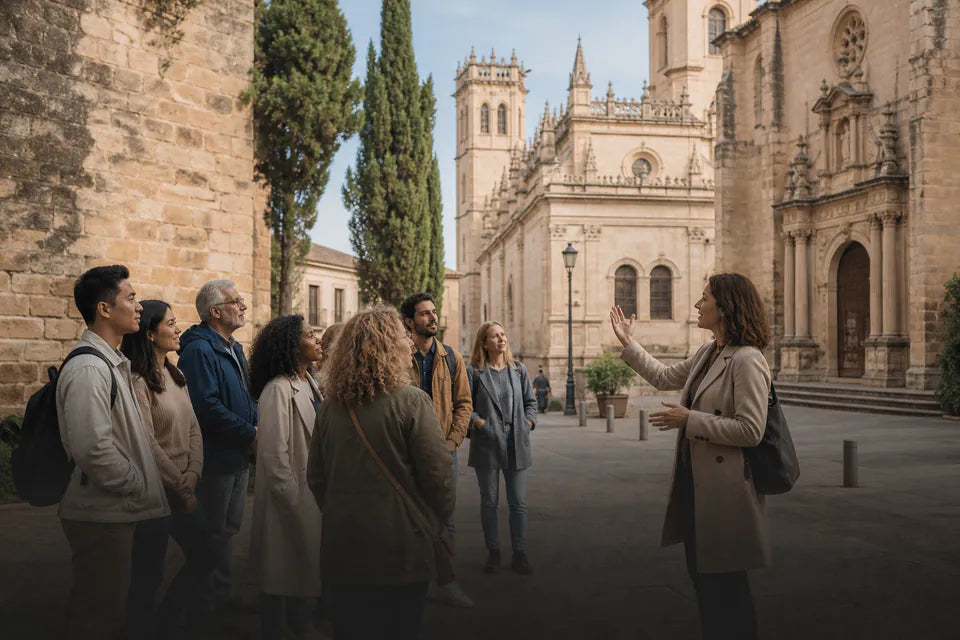
An option when precise timing with the speaker or event is not essential. Test your complete setup first.
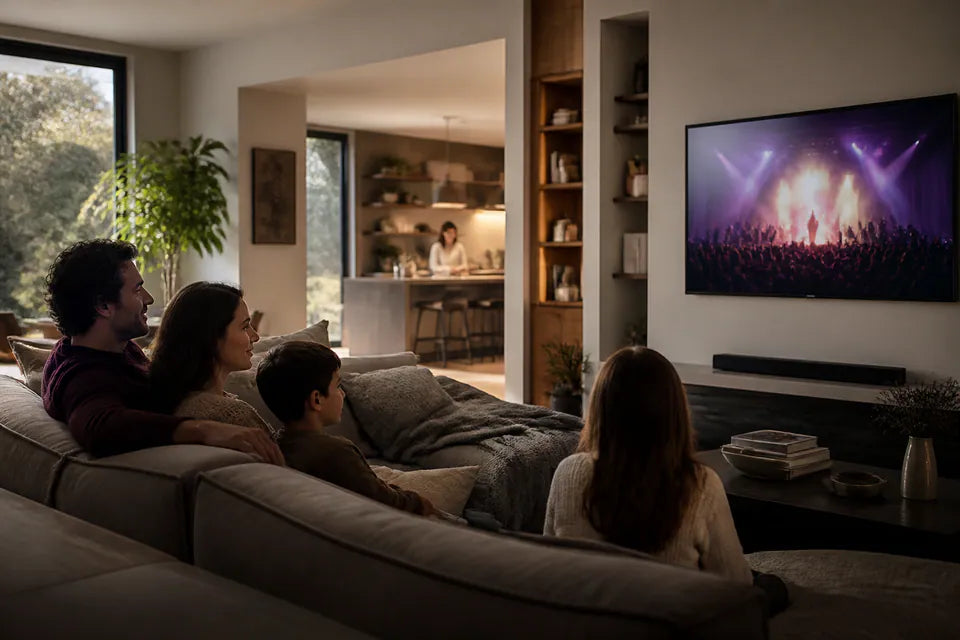
Bluetooth listening may cause visible lip-sync delay. Not recommended when synchronized sound is essential.
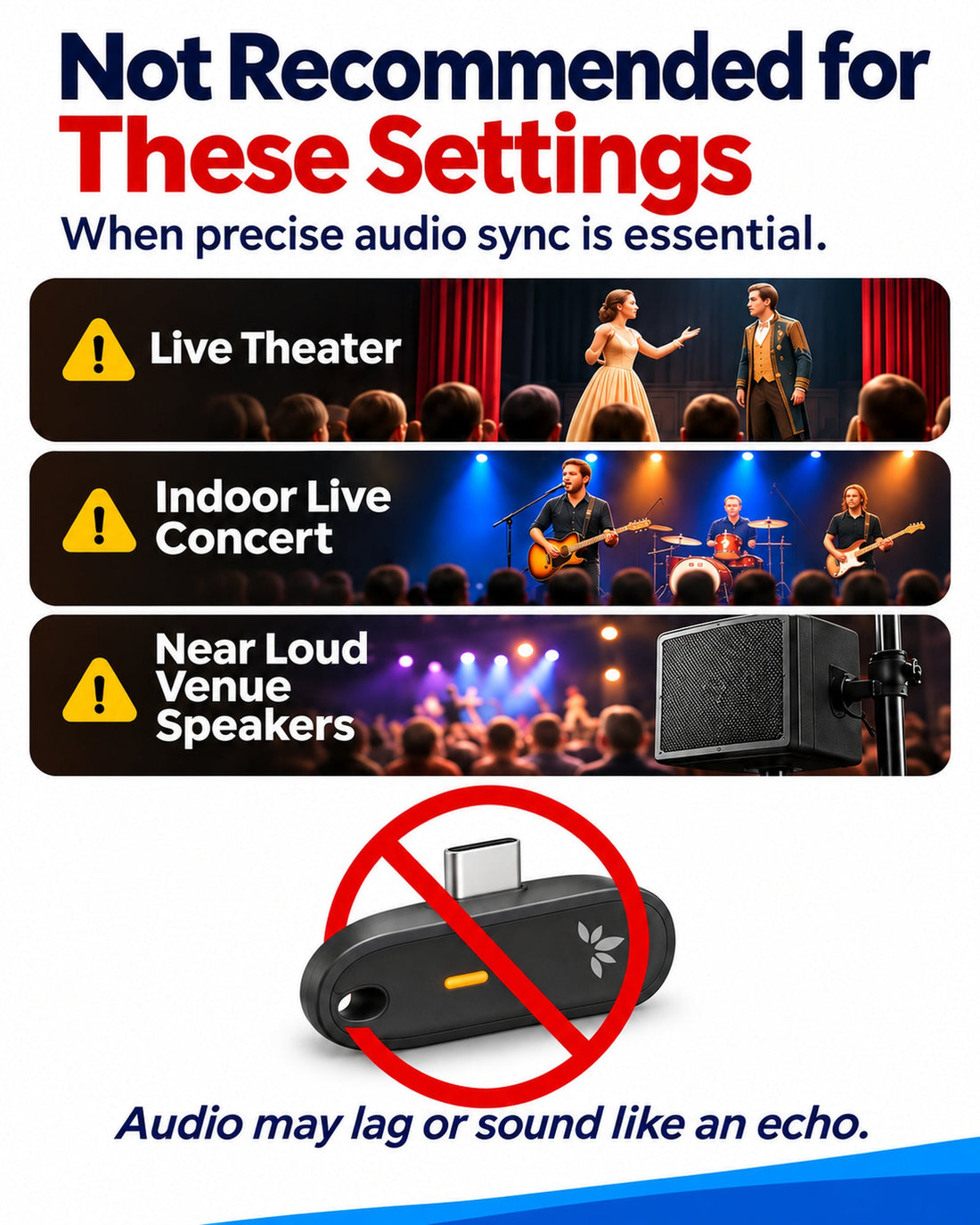
Avoid theaters, live music and listening alongside the same live sound if delay or echo would be distracting.
04 · Product details
05 · Common questions
Yes, if they can already play audio from your phone via Bluetooth. Pair them with the phone first. Aura C connects to the phone, not directly to USB-C headphones.
Approximately 80 ms to phone playback in our tests with selected iPhone, Samsung and Pixel models using the low-latency AirCast transmitter. Bluetooth headphones or hearing aids add further delay. Actual latency varies by setup.
Yes, with a compatible Lightning-to-USB-C audio adapter (not included). View a tested example. Data support alone does not guarantee compatibility.
Yes, unless the venue or location already provides an Auracast broadcast. Aura C only receives broadcasts; it does not create them.
One Aura C supports one phone and its selected audio output. For multiple listeners, each person needs their own Aura C setup or another compatible Auracast receiver.
Connected Bluetooth headphones or hearing aids are used automatically. If none are connected, sound plays through the phone speaker.
On Android, you can also select the output manually in Aura C settings. On iPhone, output selection is automatic.